Tap the rough tempo
Tap along with a recording, teacher, or rehearsal, then save the exact BPM.
Guitar practice often means repeating one small thing. Save riffs, chord changes, scales, and songs separately, then reopen the exact speed next time.
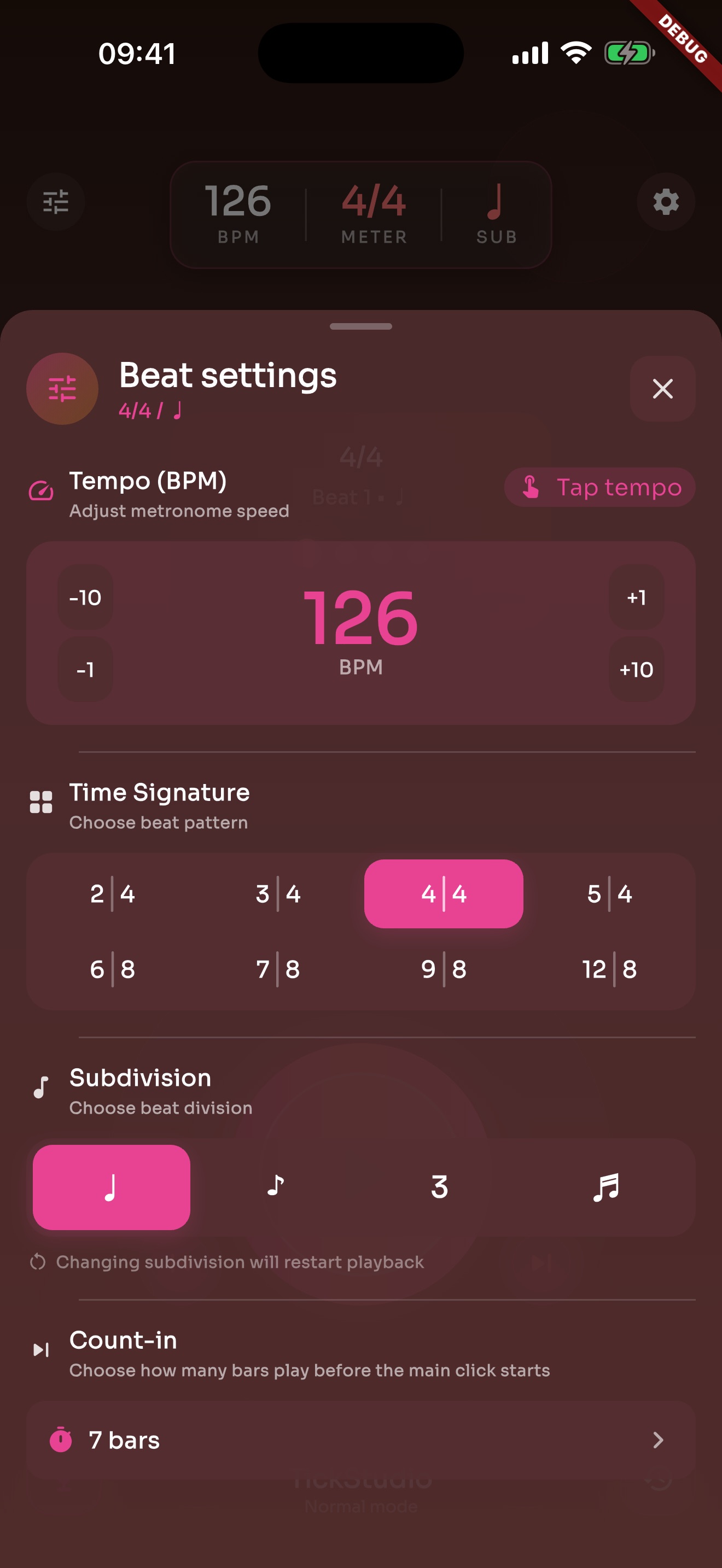
Tap along with a recording, teacher, or rehearsal, then save the exact BPM.
Riffs, chord changes, picking drills, and songs can each become a preset.
Eighths, triplets, and sixteenths make rushed changes and uneven picking easier to hear.
Beginner and practice speeds keep the movement clean before you push tempo.
Challenge speed tests whether the riff stays clean, not whether you can force it faster.
Warmup, working, target, and push tempos can live inside one guitar preset.
A teacher's exercise can become a preset the student opens later.
Saved song tempos can be arranged as a rehearsal or show setlist.
Favorites, recents, and search help when the guitar material grows.
Scales, chords, and riffs need returns more than motivation.
Guitar practice can sit beside the rest of the day.
History, goals, and heatmap show whether tempo work continued.
Each page uses real app screens such as tempo settings, preset editing, practice logs, reminders, heatmap, setlists, and Wi-Fi sync.
Tap Tempo, count-in, accents, meter, subdivision, click sound, and volume sit in one panel.
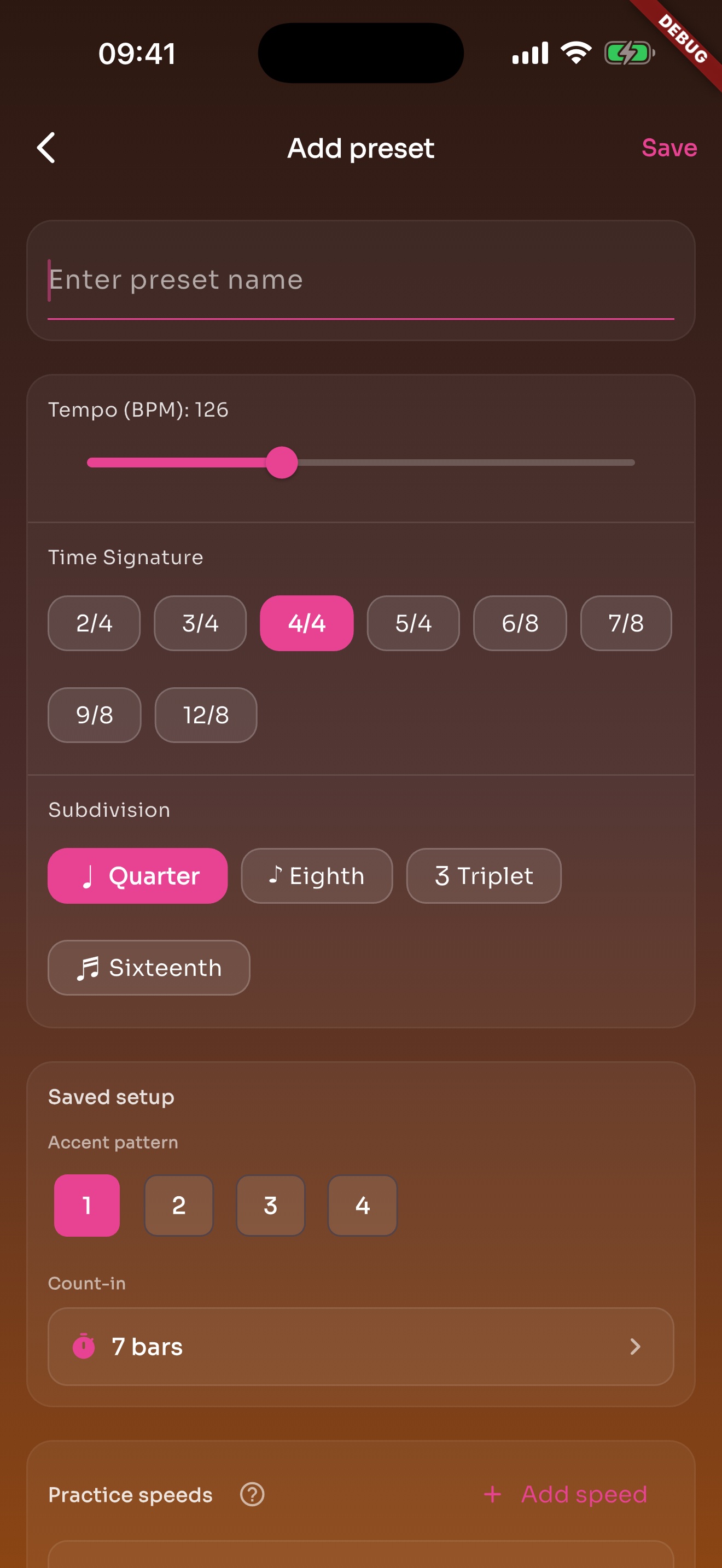
A song or exercise can save BPM, meter, subdivision, sound, volume, count-in, and practice speeds.
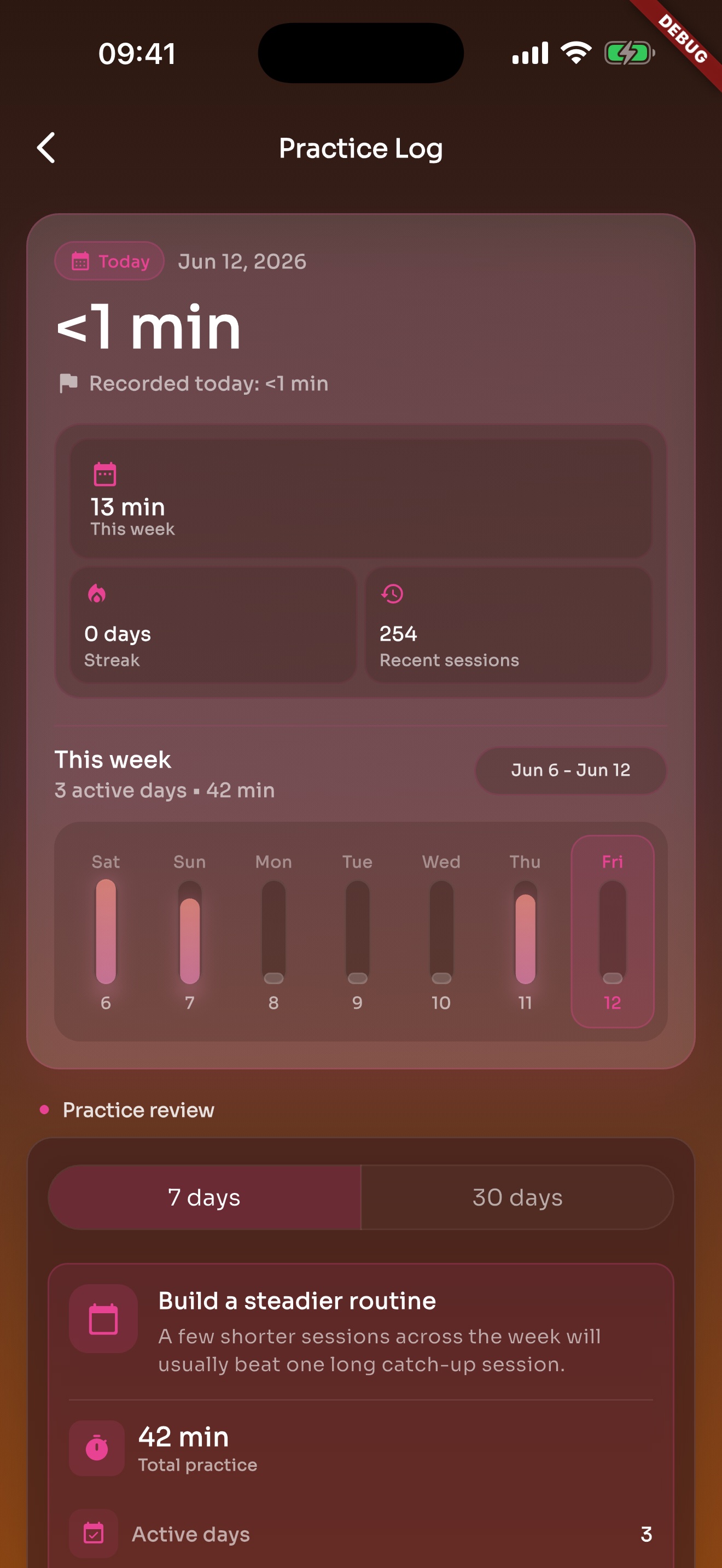
After the click stops, recent practice and history are still there.
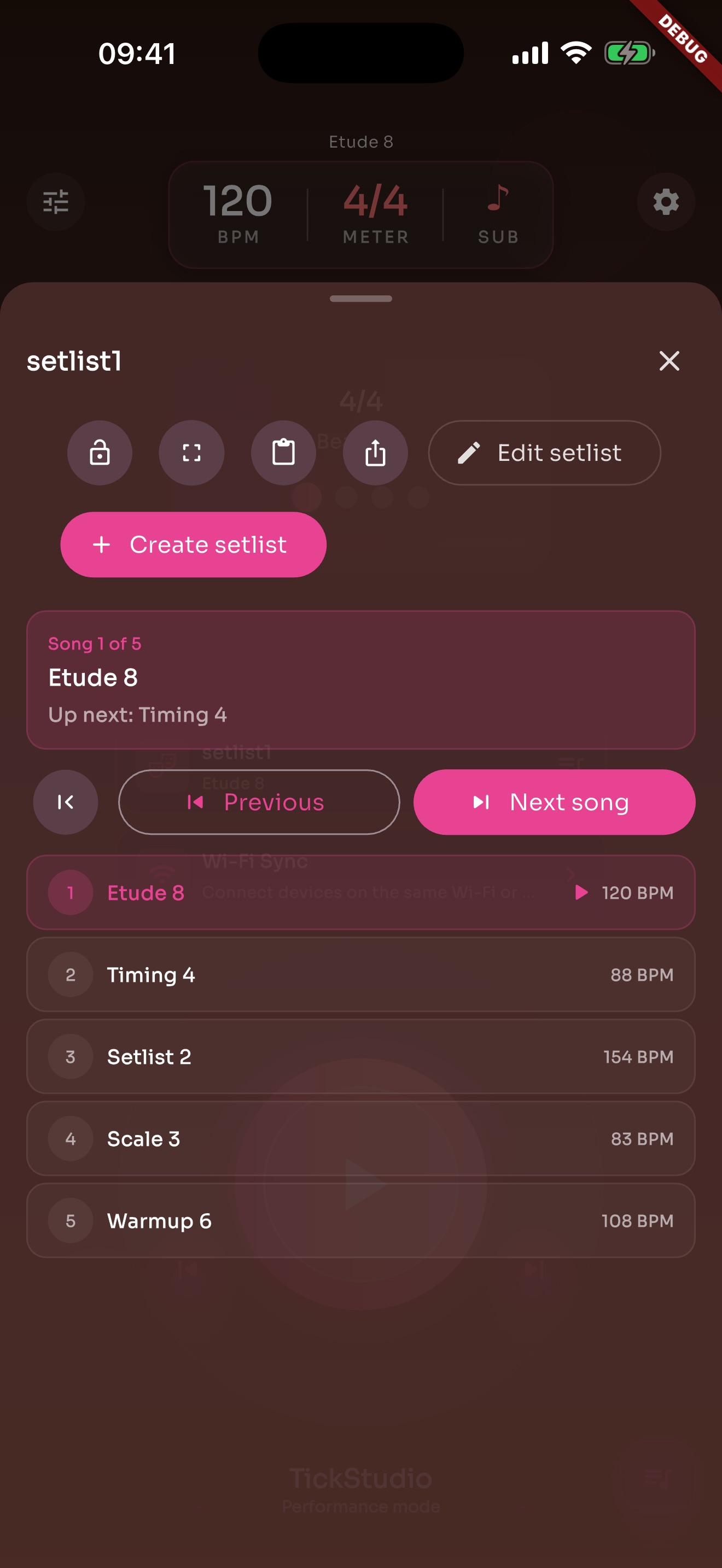
Arrange song presets in rehearsal or stage order so the next tempo is ready.
Keep riffs, chord changes, scales, lessons, and songs with the BPM, subdivision, and speed ladder you need next time.