Add to Notion
Choose your workspace and approve the TickStudio connection in Notion.
Authorize TickStudio for your Notion workspace. After authorization, open TickStudio Settings to finish device setup and start syncing completed practice sessions.
Choose your workspace and approve the TickStudio connection in Notion.
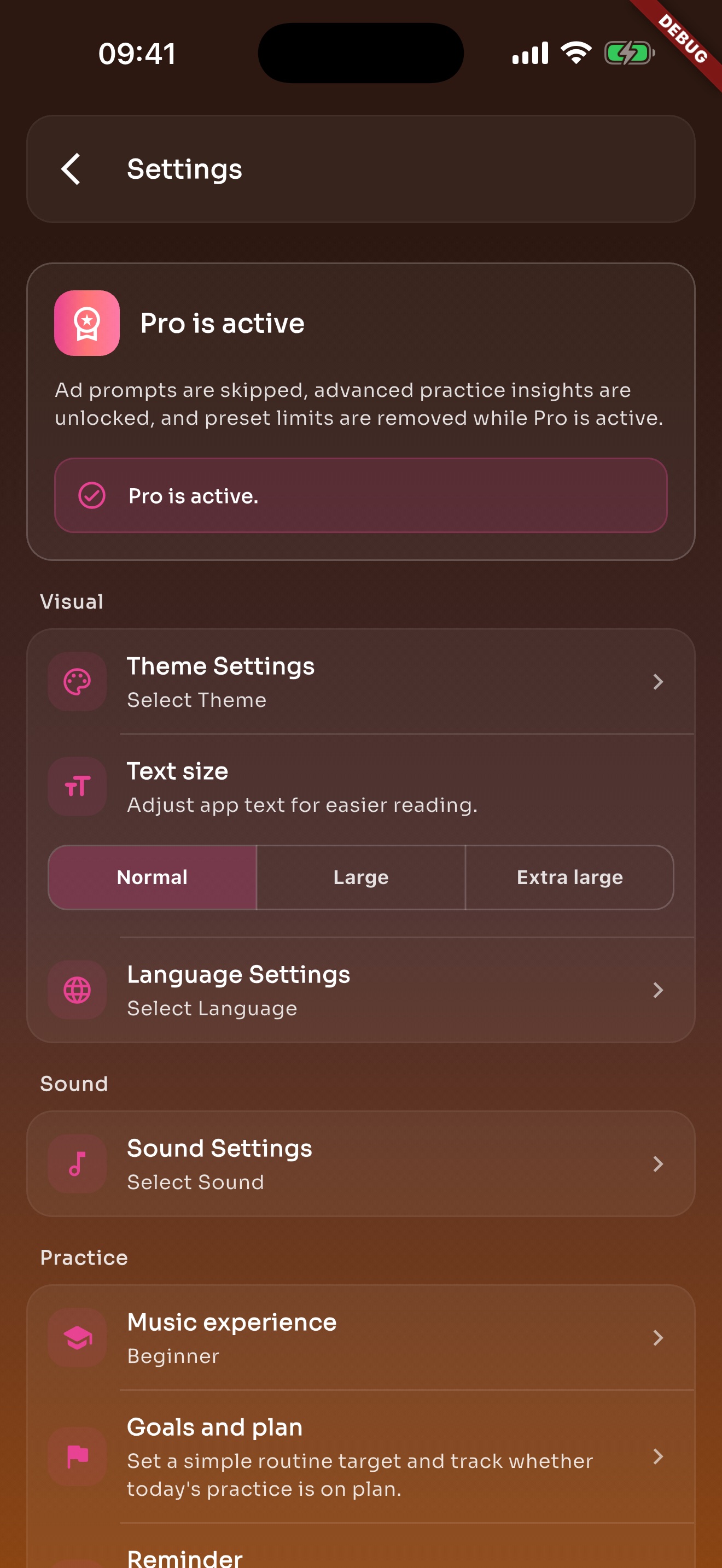
Install TickStudio on iOS, iPadOS, or Android and open Settings.
Choose Notion practice log in Settings so this device can sync completed sessions.
TickStudio stores its connection state locally on your device and does not require a TickStudio account. The web authorization adds the public connection to Notion; the in-app step creates and links your private Practice Log.
Install the app on the device where you practice, then finish Notion setup from Settings.
Authorize TickStudio now, then complete the device-specific sync setup in the app.